Pin the site, start the job
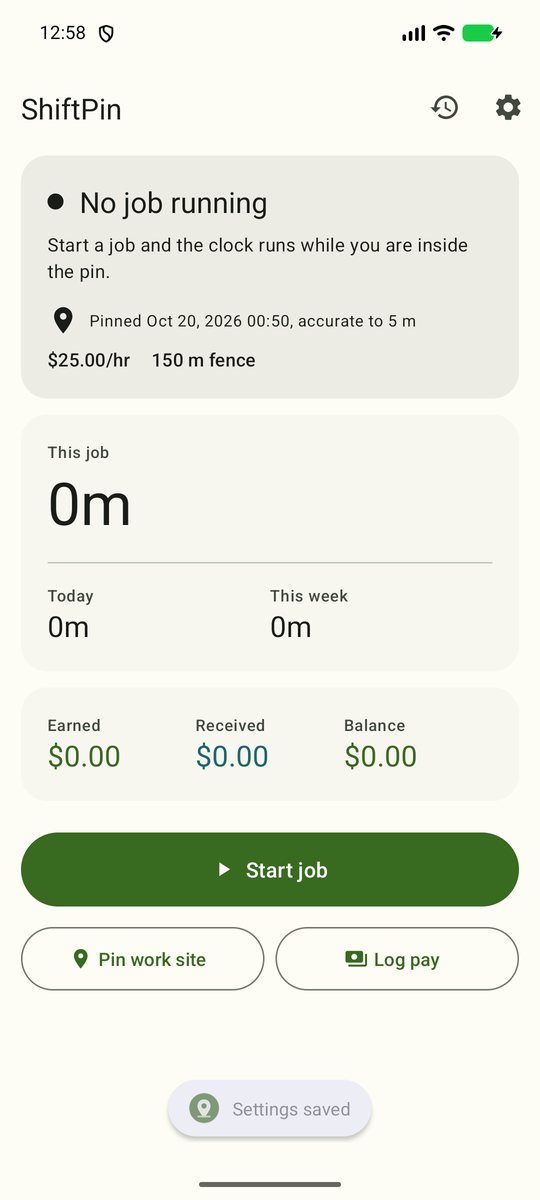
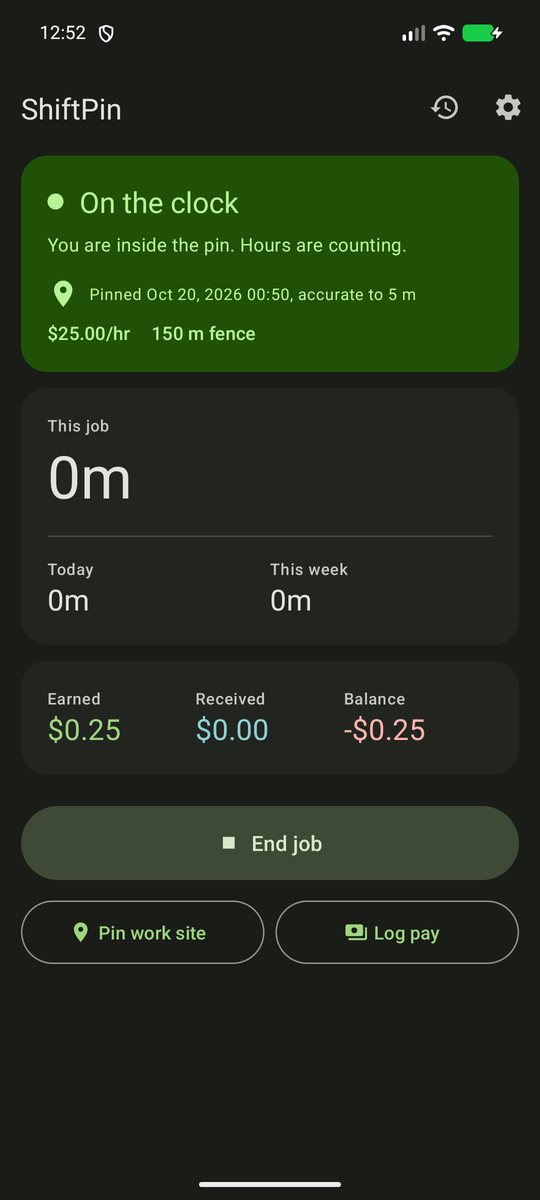
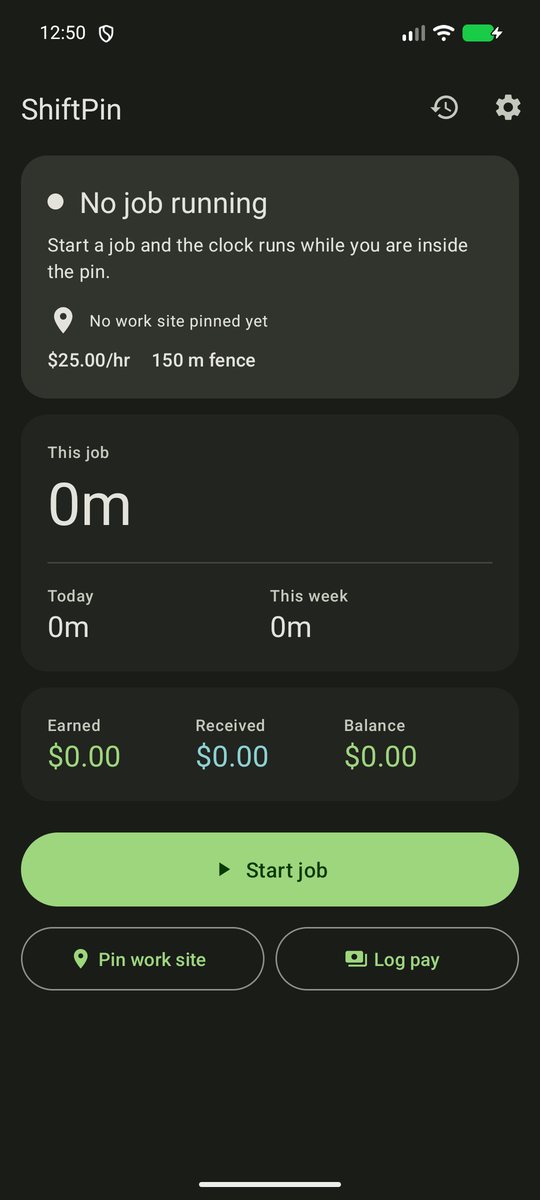
Stand at the shop or job site and tap Pin work site. Start a job, and hours count while you're inside the fence.

Help and support
Work hours and pay tracker that clocks you in by location
Android app
Pin your work site once. While a job is open, ShiftPin runs the clock when you're inside the fence and pauses it when you leave, then compares what you earned with what you've been paid.
Stand at the shop or job site and tap Pin work site. Start a job, and hours count while you're inside the fence.
A start delay keeps a drive past the site from starting a shift. Exit grace keeps a walk to the truck from ending one.
Set the pin late? Add the hours before it to that day's shift. Added time counts toward pay and overtime like tracked time, and it can't overlap time already on the clock.
Set your hourly rate, weekly overtime, unpaid lunch and rounding. Log each payment and see the balance owed. ShiftPin flags a finished job that is still short after the number of days you choose.
Every job with start, end, hours, earned and received. Hours you added by hand show as Manual. Export it as a CSV with 24 hour timestamps.
A max shift length stops the clock and flags the day if you leave the phone on site. ShiftPin ignores GPS fixes below the accuracy floor.
The fence has to work with the screen off and the phone in your pocket. Without background location, Android stops the fence when you leave the app. ShiftPin only watches the fence while a job is open.
Two settings control this. Start delay (default 60 seconds) is how long you must be inside before the clock starts. Fence check (default 30 minutes) is how often the phone looks for a fence crossing. Lower the fence check for faster starts. It uses more battery.
Some phones stop background apps to save battery. In Android settings, set ShiftPin's battery use to Unrestricted. ShiftPin also re-adds the fence on a timer you can set under Fence refresh.
No. When a shift hits the max length (default 12 hours), ShiftPin stops the clock and flags the day so you can fix it.
Yes. Tap Add missed time on the home screen or in the job's menu and enter when you started. The added time counts toward pay and overtime the same as tracked time. History and the timeline label it Manual, the CSV export has a manual hours column, and you can edit or delete it later. By default you can add time up to 14 days back.
No. ShiftPin has no account and no server. Your location, hours and pay stay on your phone unless you export a CSV and share it yourself.
Open History and tap Share. ShiftPin builds a CSV file and opens the share menu so you can email it or save it to a drive.
Copies from Google Play and from the developer's update page have a Check for updates button in Settings. Galaxy Store copies update through the Galaxy Store.
Send an email with these details and we can help faster:
support@tomsweldingandauto.com