Weight as you type
Pick a material and a shape, type the sizes, and the weight updates with every keystroke.

Help and support
Metal weight, cost and cut list calculator
Android app, $0.99, one time
Plate & Tube tells you what a piece of metal weighs and what it costs before you order it or pick it up.
Pick a material and a shape, type the sizes, and the weight updates with every keystroke.
Plate and sheet, flat, round, square and hex bar, round and square tube, pipe, angle and channel.
1/4, 1 1/2, 3/16 and 0.25 all work. Type 16ga or 11ga and it uses steel sheet gauge.
Save a price per pound for each material once, or price by the foot when your supplier sells it that way.
Add each piece with a quantity. The list keeps a running weight and cost, and you can send it by text or email.
Inches and pounds, or millimetres and kilos. Add your own alloy by density if it isn't listed.
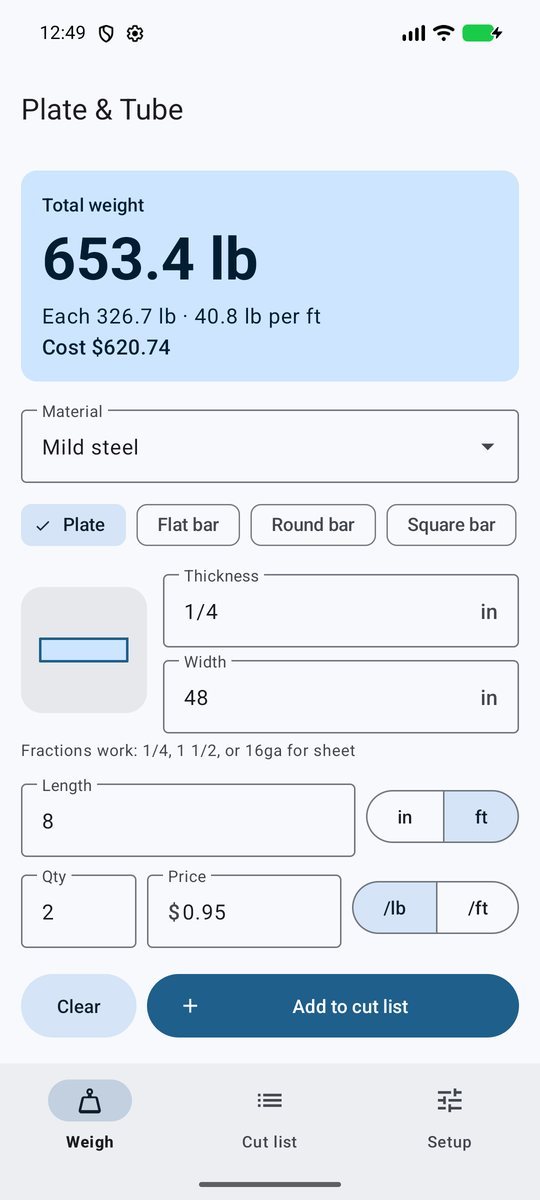
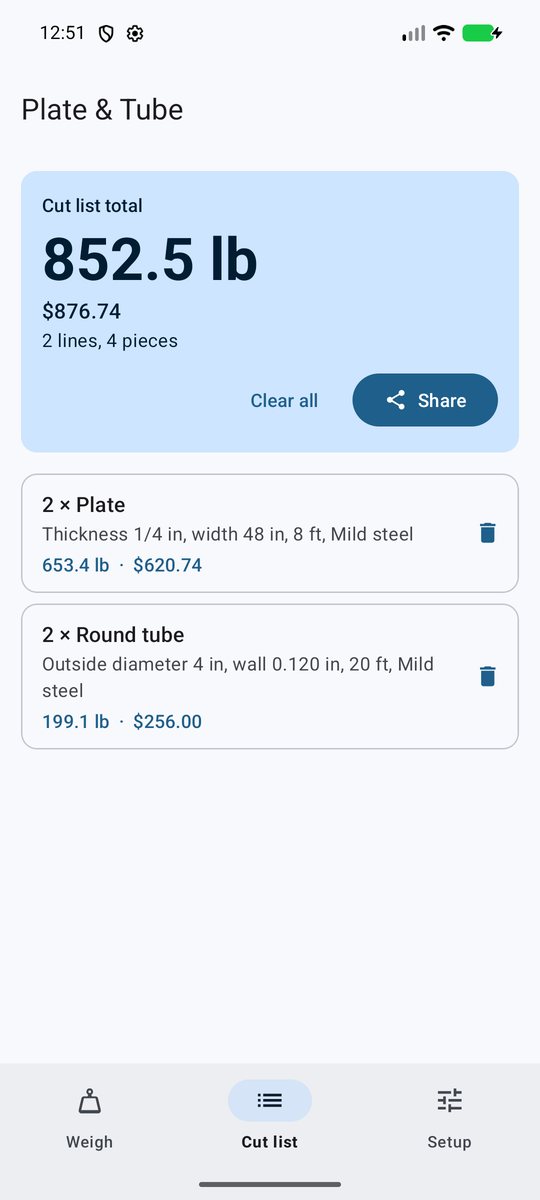
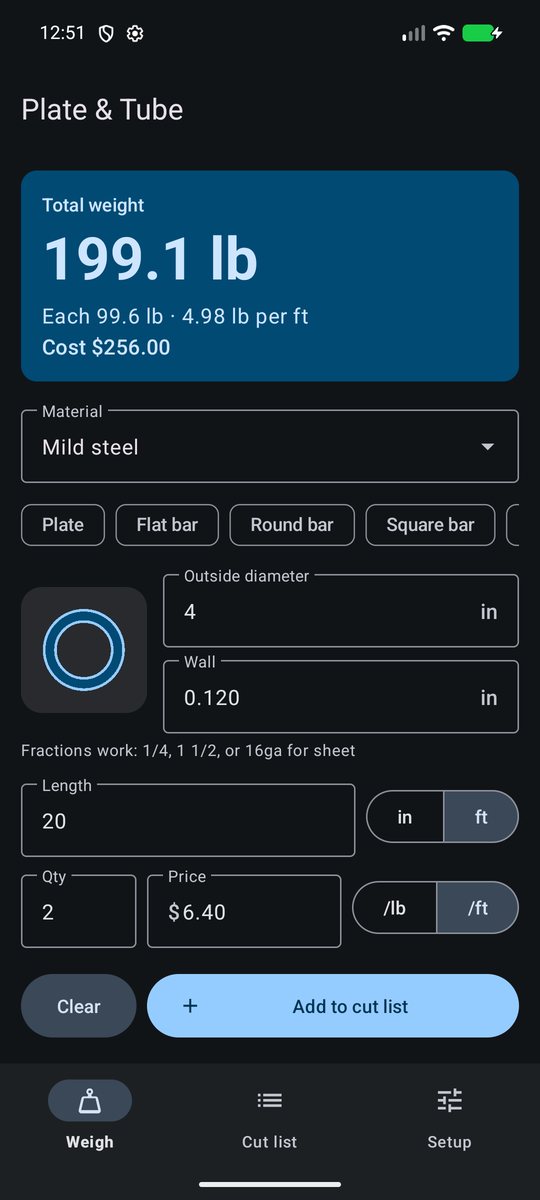
Plate & Tube uses nominal densities and sharp corners. Rolled angle, channel and tube have rounded corners, so the real piece usually weighs a few percent less. Check mill certs before you quote a big job.
Yes. Open Setup and use Custom material. Enter a name and the density in g/cm³ (steel is 7.85).
Yes. The app never connects to the internet, so it works the same in a shop, a basement or a field.
Open the cut list and tap Share. Android's share menu opens, so you can send it as a text message, an email or a note.
Your data lives only on your phone. If Android backup is on, it may carry over when you set up the new phone. If not, re-enter your prices once.
Refunds go through the app store you bought it from. The developer can't issue them directly.
Send an email with these details and we can help faster:
support@tomsweldingandauto.com